

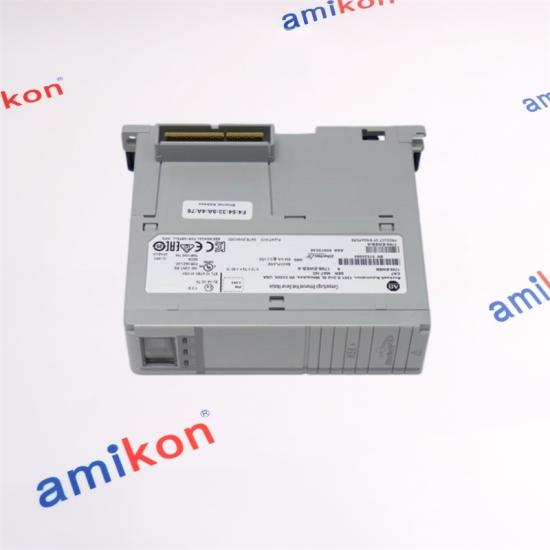
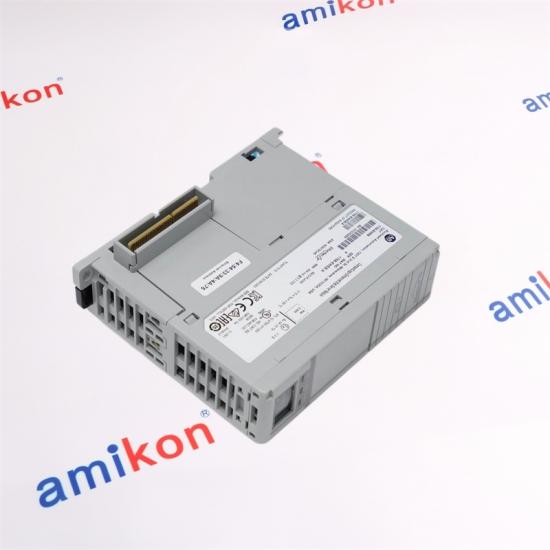
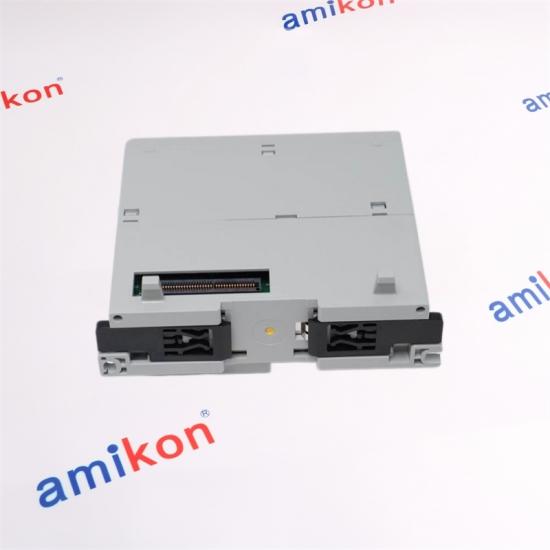
|
Manufacturer |
Allen Bradley |
|
Category |
PLCs |
|
Product Line |
ControlLogix |
|
Part Number |
1756-IB16ISOE |
|
UPC |
612598299669 |
|
The 1756-EWEB is an Ethernet I/P Enhanced Web Server module. This module is part of the ControlLogix product family from Allen-Bradley. It has one (1) Ethernet RJ-45 interface that supports a 10/100 Mbps transmission rate. It occupies a single slot of the ControlLogix chassis and supports installation to a local or distributed I/O rack. |
|
About Amikon
We are spare parts specialists in industrial automation
n Inventory: A large number of new and discontinued parts with a wide range of brand names.
n Economic Benefits: Competitive Prices and Specific Distributor Discounts
n Reliability: Each product is tested and guaranteed for at least 12 months.
n Speed: Rapid response, efficient delivery.
n Professional: Solid business organization, well-trained engineers.
n International: Global network of partners and preferred suppliers
|
Sales manager |
|
WhatsApp/phone |
|
Miya zheng |

Specifications
|
Manufacturer |
Allen Bradley |
|
Category |
PLCs |
|
Product Line |
ControlLogix |
|
Part Number |
1756-EWEB |
|
UPC |
612598306602 |
|
Weight |
0.50 lbs (0.23 kg) |
|
Operating Temperature |
0-60 Deg. Celsius |
|
Slot Width |
1 |
|
Product Description |
Ethernet communication module with remote Web Access |
|
Communication Port |
One (1) Ethernet; |
|
Ethernet Data Transfer speed |
10 /100 Mbps |
|
Mounting |
Any 1756 Chassis |
|
Compatible browsers |
Any standard web browser or Internet explorer 5.5 or 6. |
|
Backplane current draw @ 5.1 VDC |
700 mA |
|
Backplane current draw @ 3mA |
3 mA |
|
Chassis |
1756-A4, 1756-A7, 1756-A10, 1756-A13, 1756-A17 |
|
Module Type |
Ethernet Web Server Module |
|
Location |
Chassis (Any Slot) |
|
Backplane Current (5.1 Volts DC) |
700 milliamps |
|
Backplane Current (24 Volts) |
3 milliamps |
|
Power Dissipation (Max) |
3.65 Watts |
|
Isolation Voltage |
50 Volts |
|
Operation Temperature |
32-140 Fahrenheit (0-60 Celsius) |
|
Enclosure |
None |
Descripution
|
The Allen-Bradley 1756-EWEB is a ControlLogix communication module. This module is specifically an Ethernet I/P communication bridge module which permit remote access to the ControlLogix controller assembly including the user programs and hardware configuration. |
|
The 1756-EWEB comes with a single RJ-45 Ethernet interface that supports a 10/100 Mbps transmission speed. When provided with an appropriate IP address, the module’s web server functionality may be accessed using a standard web browser. |
|
The 1756-EWEB is a single slot module that install directly to a ControlLogix chassis. It may be installed to a local chassis, where the central ControlLogix chassis resides or to a distributed I/O station. It is compatible for installation with any ControlLogix chassis such as 1756-A4, 1756-A7, 1756-A10, 1756-A13, and 1756-A17. |
|
The 1756-EWEB supports use of any standard web browser when used for accessing of web pages generated by the module, create, edit data, and view web pages hosted by the module using Internet Explorer .5 or 6 with XML support. For simple code viewing, internet explorer 5.5 or 6 is compatible. |
FAQ
|
Q1: How does the AB 1756-EWEB facilitate advanced Ethernet-based interoperability within ControlLogix automation ecosystems? |
|
Q2: What distinctive communication capabilities make the AB 1756-EWEB a strategic asset for industrial information integration? |
|
Q3: Why is the AB 1756-EWEB particularly advantageous for remote diagnostics and real-time operational visibility? |
|
Q4: How can the AB 1756-EWEB enhance the scalability and digital transformation readiness of modern industrial infrastructures? |
|
Q5: Which critical engineering considerations should be evaluated when deploying an AB 1756-EWEB module in a mission-critical network architecture? |
1756-EWEB Installation
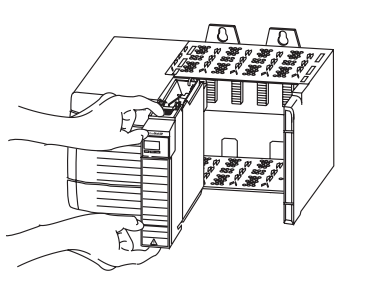
To install a ControlLogix Enhanced Web Server Module (1756-EWEB), follow these steps.
|
1. Align the module with a slot in the 1756 chassis.
|
|
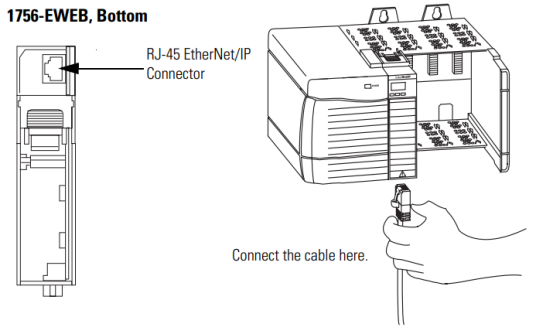
2. Slide the module back into the chassis until it snaps into place. 3. Connect the module to the network. |
|
The RJ-45 connector is on the bottom, front of the module.
|
|
4. Obtain an IP address. |
|
For more information, see chapter 2. By default, the web server module is DHCP enabled. If you connect the web server module to a network that has a DHCP server, that server will assign a dynamic IP address to the web server module and the four-digit display on the front of the web server module will display each of the four numbers of the IP address. If your network does not have a DHCP server, use one of the methods described in chapter 2 to assign an IP address to the web server module. |
More Recommended
|
2711P-B6C20A |
1769-L18ERM-BB1B |
|
2711-K5A5X |
1747-PIC |
|
2711-T10G9 |
1766-L32BXB |
|
1771-OFE2 |
1746SC-CTR4 |
|
1734-IB8S |
1770-KF2 |
|
1732DS-IB8 |
1746-HSCE |
|
1794-IB16XT |
1788-EN2DN |
|
1492-IFM40F |
1756-HSC |
Product module 2090-UXNFBMP-S15 Brands Allen Bradley Payment Paypa/TT Condition 100% New Weight 2.02kg Production year 2024 country of origin USA
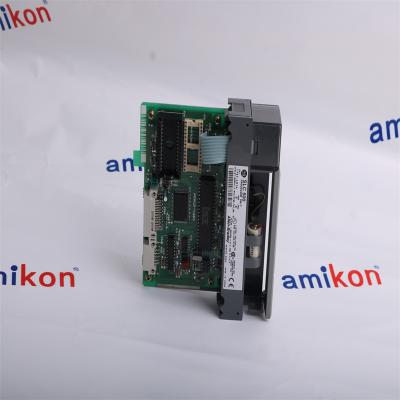
Product module 1747-L514 Brands Allen Bradley Payment Paypa/TT Condition 100% New Weight 0.24kg Production year 2024 country of origin USA
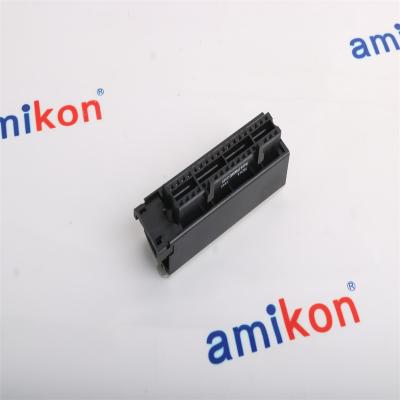
Product module 1756-TBCH Brands Allen Bradley Payment Paypa/TT Condition 100% New Weight 0.14kg Production year 2024 country of origin USA
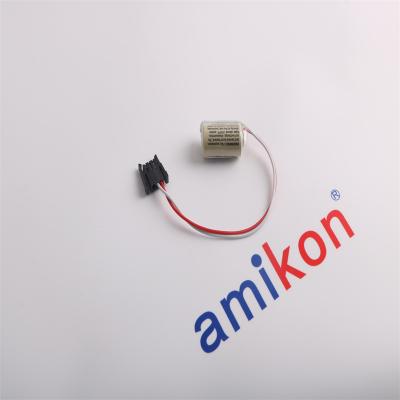
Product module 1747-BA Brands Allen Bradley Payment Paypa/TT Condition 100% New Weight 0.02kg Production year 2024 country of origin USA
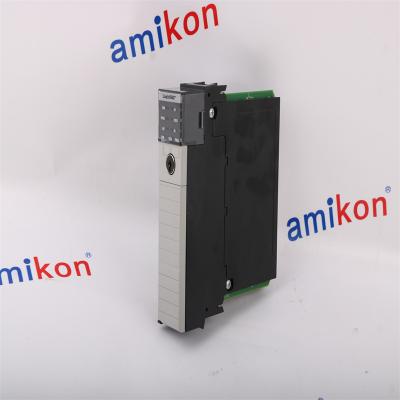
Product module 1756-L62 Brands Allen Bradley Payment Paypa/TT Condition 100% New Weight 0.34kg Production year 2024 country of origin USA
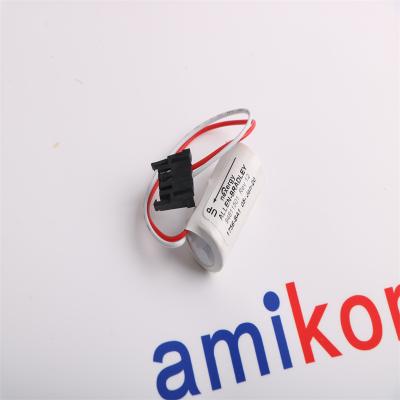
Product module 1756-BA1 Brands Allen Bradley Payment Paypa/TT Condition 100% New Weight 0.01kg Production year 2024 country of origin USA
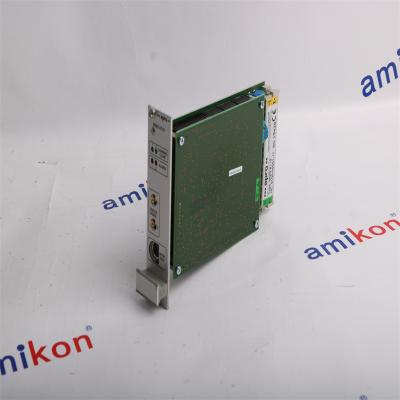
Product module MMS6110 Brands Emerson Payment Paypa/TT Condition 100% New Weight 0.3KG Production year 2024 country of origin USA
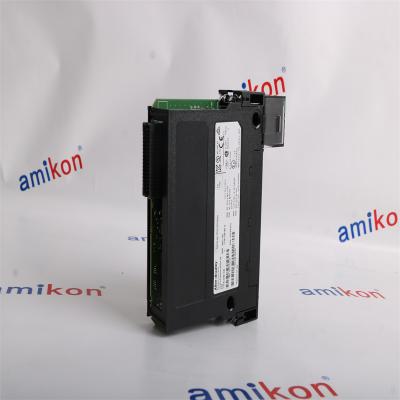
Product module 1756-OB16E Brands Allen Bradley Payment Paypa/TT Condition 100% New Weight 0.2kg Production year 2024 country of origin USA


Inventory Products


More than 40.000.000 products available and worldwide support


 Trust Guaranteed
 Customer Support


 IPv6 network supported