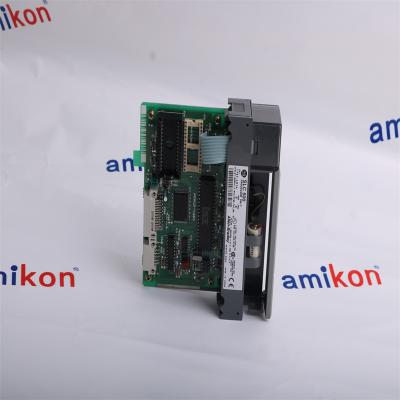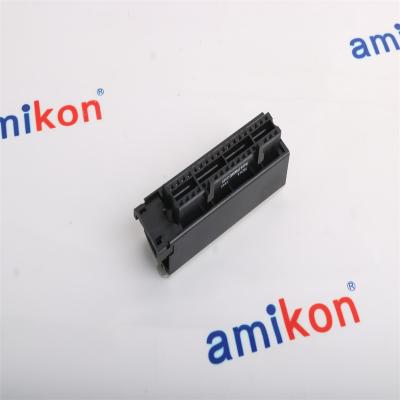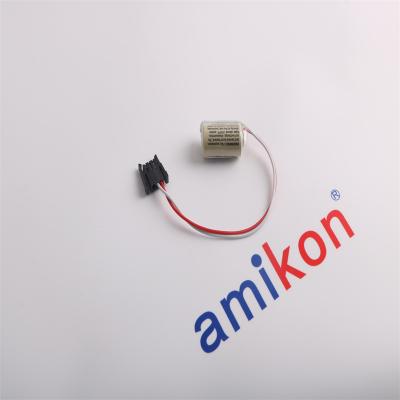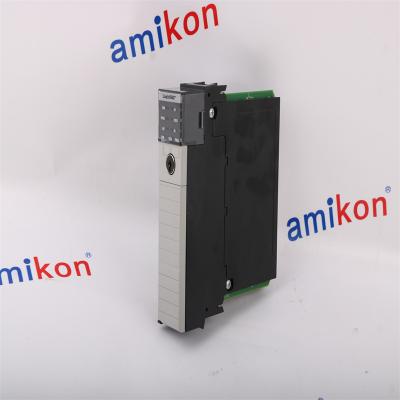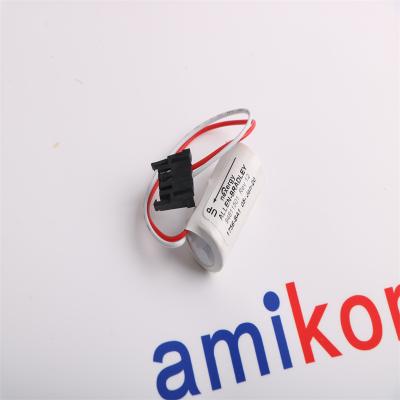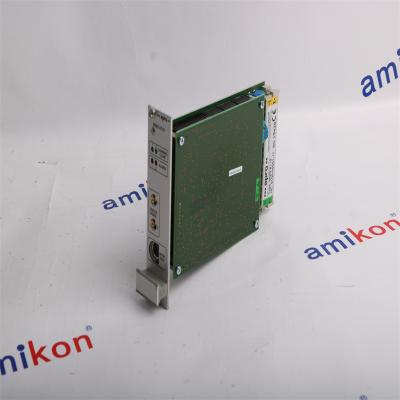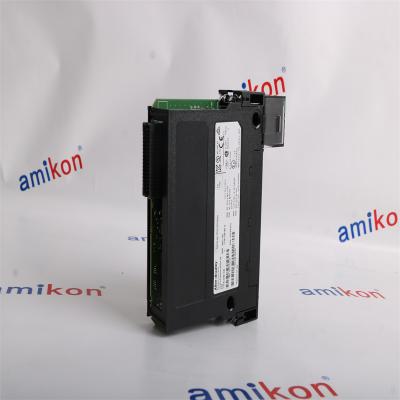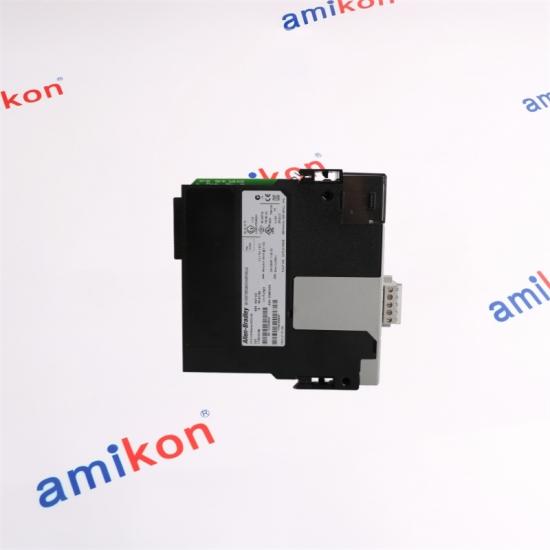
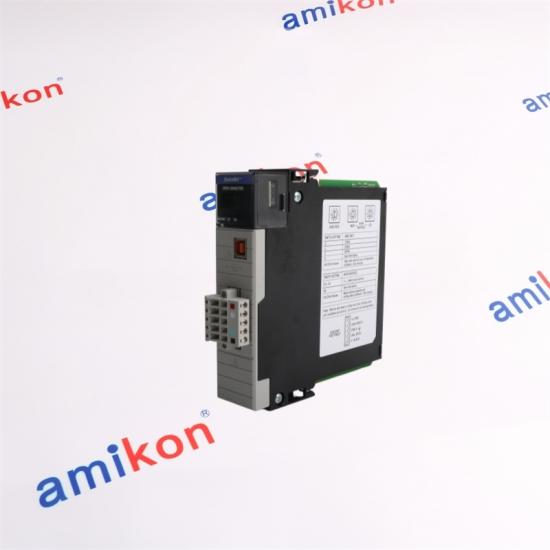
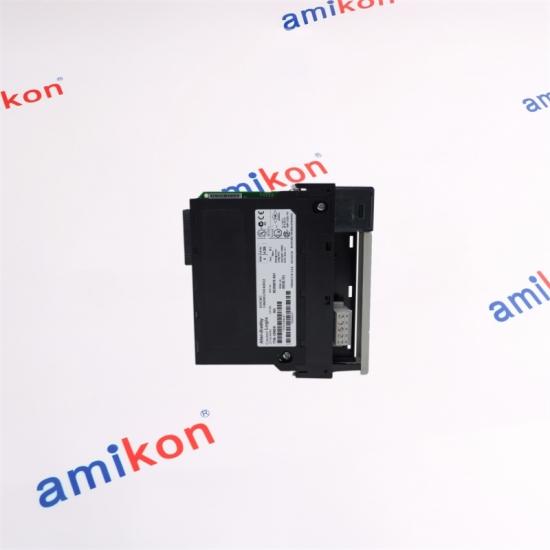
A ControlLogix DeviceNet Bridge/Scanner module for connecting Logix control architectures with DeviceNet devices, including I/O modules and message-based device communication.
01 / NETWORK ROLE
Technical Profile
A DeviceNet gateway inside the ControlLogix chassis
The 1756-DNB operates as a DeviceNet bridge/scanner module. It can control I/O modules and communicate with DeviceNet devices through messages while exchanging data with the Logix controller through the ControlLogix backplane.
Module type
ControlLogix DeviceNet Bridge/Scanner Module
Network
DeviceNet
Node address
00…63; factory default address 63
Role
Controls I/O modules and communicates with other DeviceNet devices by messages
System
ControlLogix and GuardLogix compatible
Controller connections
One connection for module status/configuration plus one rack-optimized connection for device data
Configuration
Node addressing can use rotary switches or RSNetWorx for DeviceNet
Chassis role
Backplane communication module for integrating DeviceNet devices into Logix control
Network boundary
Provides a bridge/scanner point between ControlLogix control and DeviceNet field devices
Lifecycle
Active product
02 / SYSTEM RELATION
How 1756-DNB Fits the Architecture
DeviceNet addressing that matters
The scanner supports node addresses 00…63, with 63 as the factory default. Rotary switches can set addresses 00…63; other switch settings can be configured through RSNetWorx for DeviceNet. Setting all three switches to 8 invokes the factory-default reset behavior at power-up and is not a normal operating address.
Connection behavior
A ControlLogix controller uses two connections for each 1756-DNB: one for module status/configuration and one rack-optimized connection for device data. This distinction matters when checking connection budgets and diagnosing a configuration that appears healthy but does not exchange I/O data as expected.
AMIKON'S LARGE STOCK is the core of our supply.
Ready Stock. Fast Response. Industrial Continuity.
More than 400,000 electronic products across PLC, HMI, drives, servo, CNC, IPC and PG categories.
AMIKON / 20+ YEARS
Strategic purchasing helps reduce transfer delays. If a requested item is temporarily unavailable, AMIKON can search its preferred supplier network.
Whether new or out of production, from the smallest module to a complete configuration, AMIKON supports urgent sourcing for hard-to-find automation parts. The goal is simple: help production start and run sooner while reducing downtime and capital loss.
Return / replacement: Please contact us within 7 days after receipt. Returned items should remain in original condition with a stated reason. A return or replacement is arranged after the item is received; shipping costs are the buyer's responsibility.
BUYER QUESTIONS
Five Practical Questions About the Model
01 · When does 1756-DNB make sense in an existing ControlLogix system?
It is appropriate when a ControlLogix or GuardLogix chassis must communicate with DeviceNet devices or control DeviceNet I/O. It keeps the DeviceNet segment represented as a dedicated communication module in the Logix architecture.
02 · What is the usable node-address range for 1756-DNB?
The DeviceNet node address range is 00 through 63. The factory default is 63. Addresses outside the normal switch range can be configured through RSNetWorx for DeviceNet.
03 · Why does a 1756-DNB installation use two controller connections?
Rockwell Automation identifies one connection for module status and configuration and another rack-optimized connection for device data. Both should be considered when planning the Logix connection budget.
04 · Can 1756-DNB be used with GuardLogix?
Yes. Rockwell Automation lists the 1756-DNB/1756-DNBK as DeviceNet bridge and linking devices for both ControlLogix and GuardLogix systems. Application-specific safety architecture still needs to be validated separately.
05 · What should be checked before replacing 1756-DNB in a running network?
Record the DeviceNet node address, data rate, scanner configuration, connected I/O layout, firmware expectations and Logix project configuration. Confirm the replacement module is the exact required catalog number and that the DeviceNet network can be safely recommissioned.