

Allen-Bradley 6180P-15BPXPDC 15-Inch Integrated Display Industrial Computer
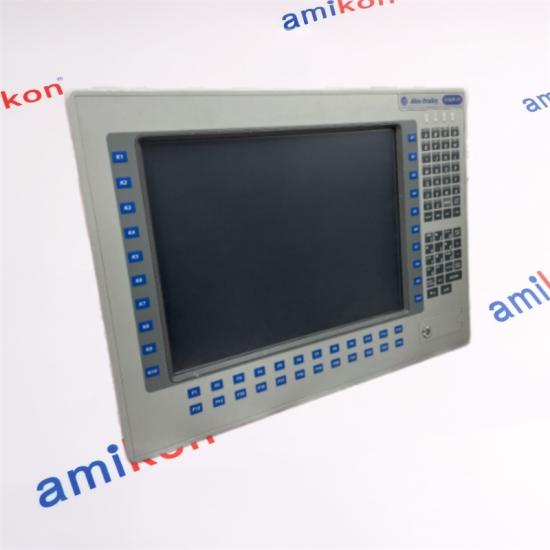
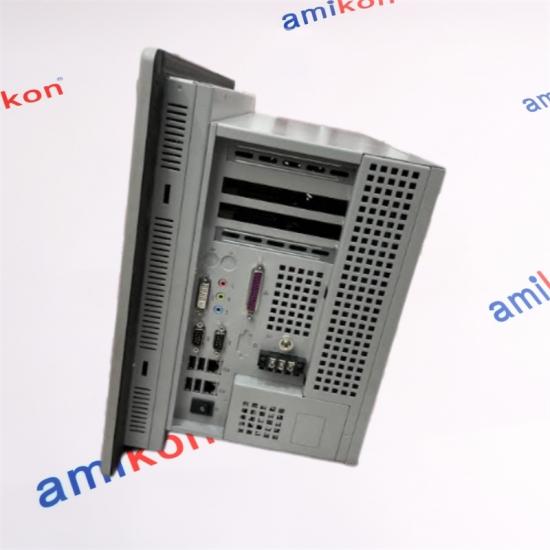
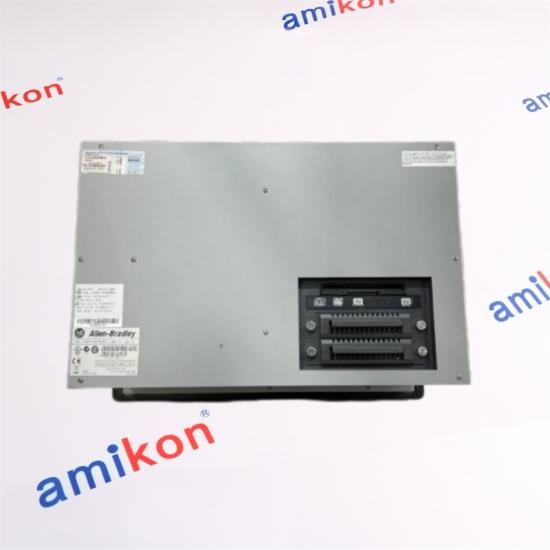
The Allen-Bradley 6180P-15BPXPDC belongs to the 6180P integrated display industrial computer family. This platform combines a display with computer hardware in an integrated enclosure, supporting operator access to industrial applications and machine-related operations.
The 15-inch display configuration is a key characteristic of this model. The 6180P family includes different display sizes, power configurations and hardware variations, so the complete catalog number is important when sourcing a replacement.
The DC designation is an important purchasing consideration. A replacement must match the installed DC power arrangement rather than being selected solely by the 15-inch display size or general 6180P family designation.
| Manufacturer | Allen-Bradley / Rockwell Automation |
| Catalog Number | 6180P-15BPXPDC |
| Product Family | 6180P Integrated Display Industrial Computers |
| Product Type | Industrial Computer |
| Display Size | 15 inches diagonal |
| Display Technology | Color Active Matrix TFT |
| Native Resolution | 1024 × 768 pixels |
| Approx. Display Area | 305 × 229 mm |
| Power Configuration | DC version |
| DC Input Range | 18–32 VDC (configuration stated for this catalog number; verify the unit nameplate) |
| DC Power Consumption | 144 W maximum |
| Mounting Style | Panel mounting |
| Touchscreen | Optional resistive touchscreen on applicable configurations |
| Product Status | Legacy product; confirm current availability |
Confirm the exact hardware revision and installed configuration before replacement. Do not select a substitute by display size alone.
|
15"
Integrated Display
A 15-inch TFT display with 1024 × 768 native resolution for industrial computer operation. |
DC
DC Power Architecture
The DC power variant requires a compatible DC supply arrangement. Verify voltage and polarity before connection. |
The integrated computer format is useful where display and computing hardware are installed together within an industrial panel. When planning replacement, consider the panel opening, mounting arrangement, peripheral connections and operating system configuration.
Replacing an industrial computer is more involved than matching the screen diagonal. Compare the following details before removing the existing 6180P-15BPXPDC:
| Power Supply | Confirm DC input range, wiring polarity and available supply capacity. |
| Panel Cutout | Compare panel dimensions, mounting clearance and enclosure depth. |
| Display | Check resolution, viewing requirements and touchscreen configuration. |
| Peripherals | Record network, USB, serial and other installed peripheral connections. |
| Software | Preserve operating system, application licenses, drivers and configuration. |
| Data Backup | Back up application files, settings and recovery assets before replacement. |
Not as an automatic substitution. The DC version uses a DC power arrangement, whereas AC versions have a different power configuration. Check the complete catalog number, cabinet power and wiring before selecting another 6180P configuration.
Measure the existing panel cutout and mounting depth, check mounting clearance and record all connected cables. Confirm that the replacement has a compatible power input and supports the required display and peripheral connections.
Not always, but the application cannot be assumed to transfer automatically. Back up the operating system configuration, application files, drivers, licenses and recovery assets. Confirm software and hardware compatibility before attempting migration.
Possible causes include an unsuitable DC supply, incorrect wiring polarity, loose connections, peripheral faults or configuration problems. Verify the supply against the unit rating, inspect connections and follow the approved startup and troubleshooting procedure.
Confirm the full catalog number, display configuration, DC input arrangement, mounting dimensions, installed peripherals and software environment. Request actual-unit photographs and compare hardware condition before shipment, especially when the replacement must retain an existing industrial application.
|
NEED A QUOTE?
Tell Us What Your Project Needs.
Share the part number, quantity and destination for sales assistance.
|
Miya Zheng · Sales Manager
|
Explore additional control, interface, communication and industrial automation components.
| 509-AOA 2711P-K4M20D X20AT6402 SPTM-6VLC3 3HNA018784-001 F01U033343 Ysi 30/50 58A7810X0A2 TC-PBFO01 140XTS00100 KTS670 7CP476.60-1 1067D2P130550E5 50448-1 NFAI835-H00 RBB6-B |
PLX31-EIP-MBS QSGRK-8D 2711-B6C2 WAGO 750-323 PCX2 LV434128 FDM128 SW205.221.S40V PHC10101 Con011/91 Pr642 TINT-6511 MRI-M500S 55QM 082H3078 7EX290.50-1 ML7421B1023 KS1-25 A3C40173228 |
SCP461-11 10310/2/1 NBG-12LX D22A50225W12T050 KFD2-CRG2-1.D 6SL3100-0BE25-5AB0 R-Myra-300-P F880-CL-PS-E F880 X20AI2237 3HNA018784-001 2711P-K4M20D Ysi 30/50 PCX2 TC-PBFO01 58A7810X0A2 50448-1 |
|
AMIKON LIMITED
Industrial Automation Supply
|
Miya Zheng · Sales Manager sales@amikon.cn |
WhatsApp +86 180 2077 6792 |
Product module 2090-UXNFBMP-S15 Brands Allen Bradley Payment Paypa/TT Condition 100% New Weight 2.02kg Production year 2024 country of origin USA
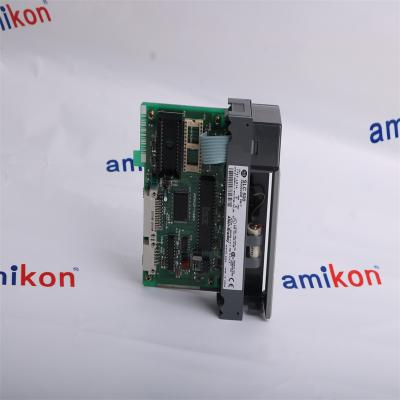
Product module 1747-L514 Brands Allen Bradley Payment Paypa/TT Condition 100% New Weight 0.24kg Production year 2024 country of origin USA
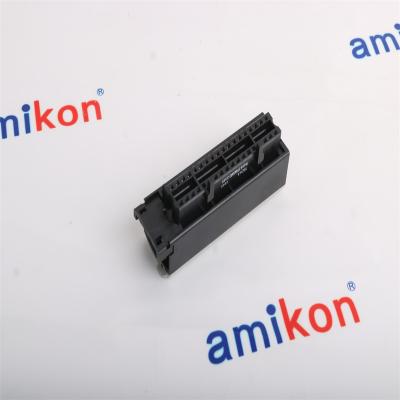
Product module 1756-TBCH Brands Allen Bradley Payment Paypa/TT Condition 100% New Weight 0.14kg Production year 2024 country of origin USA
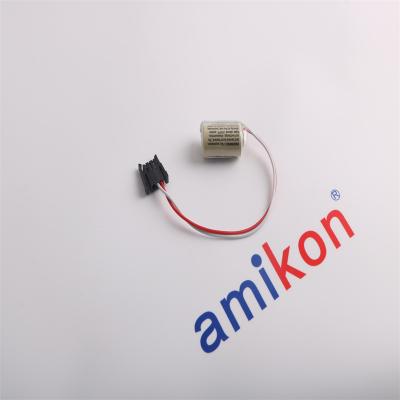
Product module 1747-BA Brands Allen Bradley Payment Paypa/TT Condition 100% New Weight 0.02kg Production year 2024 country of origin USA
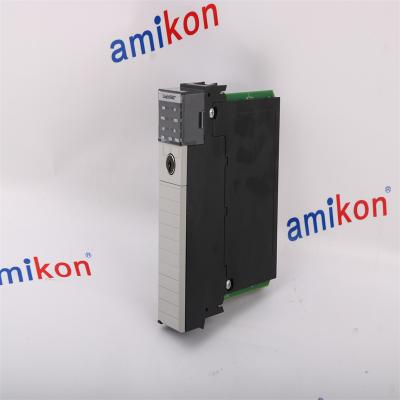
Product module 1756-L62 Brands Allen Bradley Payment Paypa/TT Condition 100% New Weight 0.34kg Production year 2024 country of origin USA
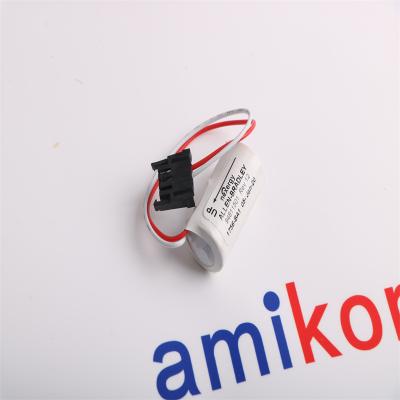
Product module 1756-BA1 Brands Allen Bradley Payment Paypa/TT Condition 100% New Weight 0.01kg Production year 2024 country of origin USA
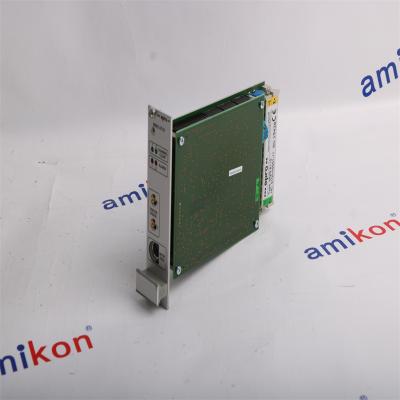
Product module MMS6110 Brands Emerson Payment Paypa/TT Condition 100% New Weight 0.3KG Production year 2024 country of origin USA
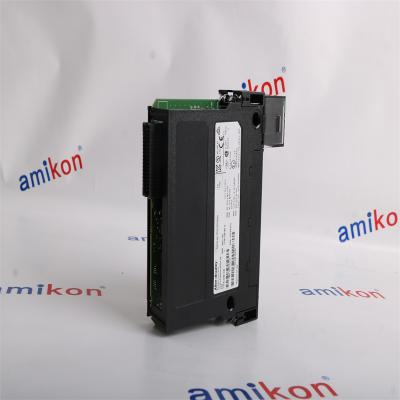
Product module 1756-OB16E Brands Allen Bradley Payment Paypa/TT Condition 100% New Weight 0.2kg Production year 2024 country of origin USA


Inventory Products


More than 40.000.000 products available and worldwide support


 Trust Guaranteed
 Customer Support






 IPv6 network supported
